Patient Experience
Courses & Communities
Teach patients with courses and give them a private group space.
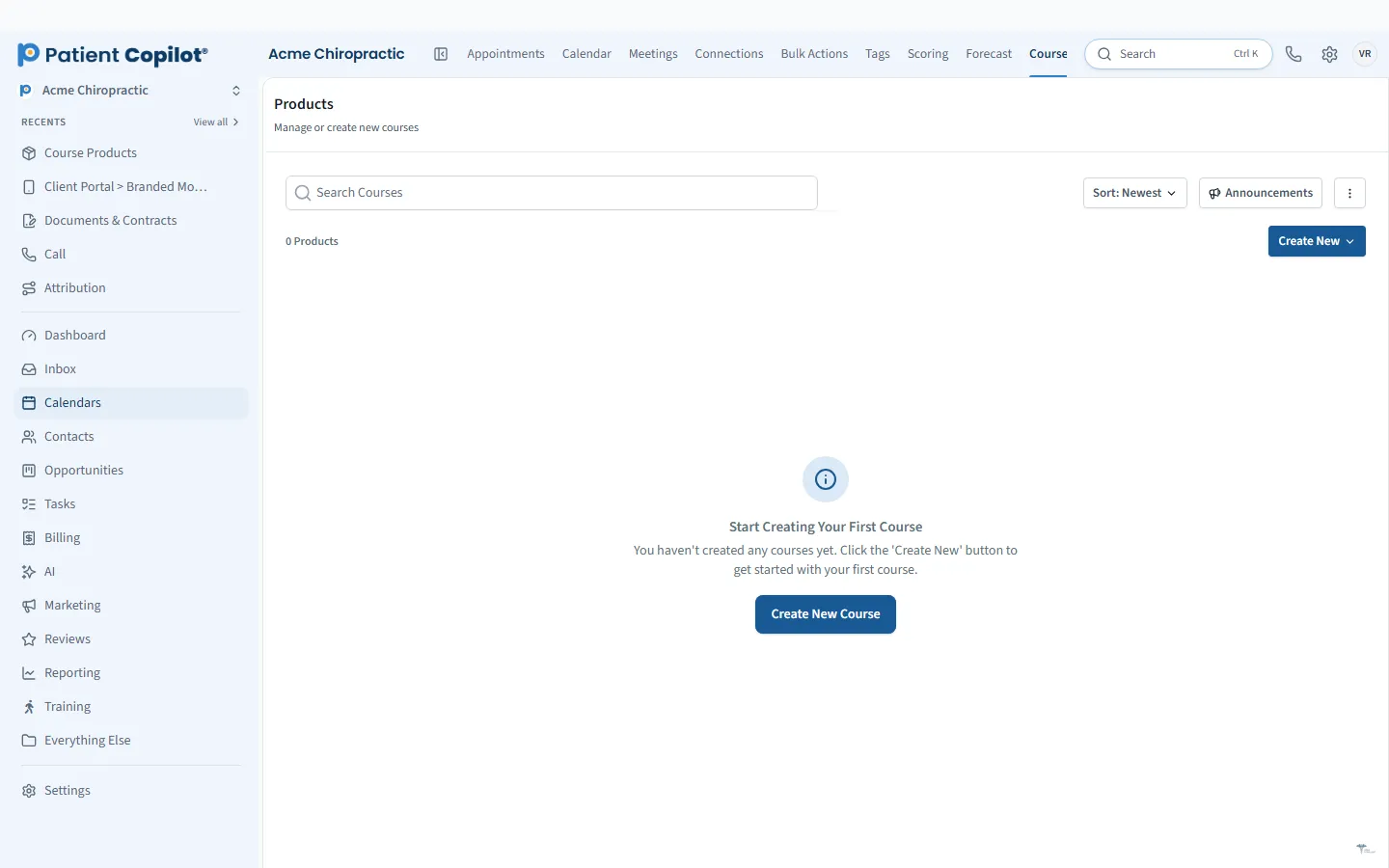
What it does
What Courses & Communities gives your practice
- Video and lesson-based courses
- Free or paid offers
- Progress and course analytics
- Private groups for patients or program members
- Moderation controls
- Automations can add members automatically
Courses & Communities in detail
An online course platform for practices lets you teach patients between visits and build a group that keeps engaging. PatientCopilot includes video and lesson-based courses, private communities and moderation tools, all connected to your patient records.
Create patient education courses
Patients get better results when they understand their care. Turn what you already explain at the table into a short course.
- Home exercises and stretching routines
- Posture and ergonomics lessons
- Wellness and nutrition programs
- Onboarding for new patients, explaining what to expect
Build lessons with video and written content, and release them in order. Chiropractors, physical therapists, med spas and wellness practices all use courses to extend the value of a visit.
Free or paid offers
Courses can be free or paid. A free course can welcome new patients or attract leads. A paid program can be a revenue stream on its own, or part of a membership. Choose the model that fits the goal.
Private communities
A private group gives patients or program members a place to ask questions and encourage one another. You set the moderation controls, so you decide what gets posted and who belongs. Use communities for a wellness challenge, a rehab program or a membership group.
Gated access and automation
Automations can add members to a course or community when they buy, book or complete a form. That means the right people get access without a staff member adding them by hand. Combine this with email and text reminders to keep people moving through lessons.
Progress and analytics
Course analytics show how members are progressing. Use them to see who is engaged, who has stalled and who might need a nudge. A short message from your team can bring someone back to a lesson.
How it works
- Create the course and add your video and lesson content.
- Set it as free or paid.
- Add the course to your portal, or share a link to enroll.
- Create a community if you want a space for discussion.
- Use automations to add members and send reminders.
- Review progress and follow up.
Keep your first course small. A short series of three to five lessons is easier to finish than a long one, and finishing builds momentum. Record video on a phone in good light, speak plainly, and keep each lesson under ten minutes. Add a short written summary so patients can skim. Welcome new members personally in the community and set simple ground rules about respect and privacy. Check progress every few weeks and send a nudge to anyone who has stopped. Ask members what they would like to learn next, and use their answers to plan your next lessons. Courses and communities work best when they support the care you already provide, not replace it.
Staying within your scope. Educational content should stay general and consistent with your professional board's rules. Do not publish individual patient information, and moderate community posts so members do not share private health details publicly.
FAQ
Courses & Communities questions
Can I sell a wellness course to patients?
Yes. Courses can be offered free or paid, so you can sell a program or share one as a perk.
How do I run a patient community?
Create a private group for patients or program members, set the moderation controls and invite members. Automations can add members automatically.
Can I see how patients are progressing?
Yes. The platform includes progress and course analytics.
Do I need video?
Courses support video and lesson-based formats, so you can mix video with written lessons.
Ready to get started?
Sign up today and put an AI copilot on your front desk. Backed by a 14-day money-back guarantee.
14-day money-back guarantee. Cancel anytime.